If you are comparing a used iPhone battery health Jamaica listing, do not judge the phone only by the camera, colour, or storage size. Battery health affects how long the phone lasts each day, how well it performs under pressure, and how soon you may need to spend more money after buying.
This guide is for Jamaican shoppers who want a cleaner buying process before spending serious money on a preowned iPhone. You will learn what to check in Settings, how to think about cycle count, how to spot repair-history concerns, and which small accessories can protect the phone once it is yours.
For a real example of why proof matters, look at our iPhone 16 Pro Max 256GB Jamaica deal, which shows battery health and cycle count clearly instead of asking buyers to guess.
Why battery health comes first
Apple explains that rechargeable batteries are consumable parts. As a battery chemically ages, it can hold less charge and may deliver weaker peak performance. That is why the battery health screen is one of the first places to look when buying a preowned iPhone.
On most modern iPhones, check:
- Settings
- Battery
- Battery Health & Charging
- Maximum Capacity
- Cycle Count, where available
Maximum Capacity gives you a quick read on how much battery capacity remains compared with when the battery was new. A higher number usually gives buyers more confidence, but it should not be the only thing you inspect.
Apple's own preowned iPhone guidance also recommends checking physical condition, battery health, parts and service history, Activation Lock, carrier lock, buttons, cameras, speakers, microphone, and display before buying. That is the right mindset. Battery health matters, but the phone still needs to pass the full test.
What battery percentage should you accept?
There is no one perfect number for every buyer. The better question is whether the battery health matches the price, age, and condition of the phone.
Use this simple guide:
- 100% to 95%: strong for a used iPhone, especially on a newer model.
- 94% to 90%: still reasonable if the phone is priced fairly and performs well.
- 89% to 85%: acceptable for some buyers, but negotiate with future battery replacement in mind.
- Below 85%: be careful. The phone may still work, but the price should reflect the battery wear.
For premium models, battery proof matters even more. A phone that costs over J$100,000 should not be sold with vague wording like "battery good" when the actual screen can be shown.
What cycle count tells you
Cycle count helps you understand how much the battery has been used. A cycle is not always one single charge from 0% to 100%. It can add up across partial charges.
For example, using 50% of the battery one day and 50% the next day can count as one full cycle. That makes cycle count a useful signal, especially on newer iPhones where Apple shows it in the battery section.
When comparing two similar used iPhones:
- lower cycle count is usually better
- high cycle count is not automatically bad if battery health is still strong
- very low cycle count plus poor condition may still be a red flag
- battery health and cycle count should match the seller's story
If a seller says the phone was barely used but the cycle count is high, ask more questions. If the seller refuses to show the battery screen, that is also information.
Check parts and service history
Battery health is only one part of the picture. Apple says that on iOS 15.2 or later, some iPhones can show a Parts and Service History section inside Settings > General > About. This can help you see whether certain parts were replaced and whether the phone identifies them as genuine or unknown.
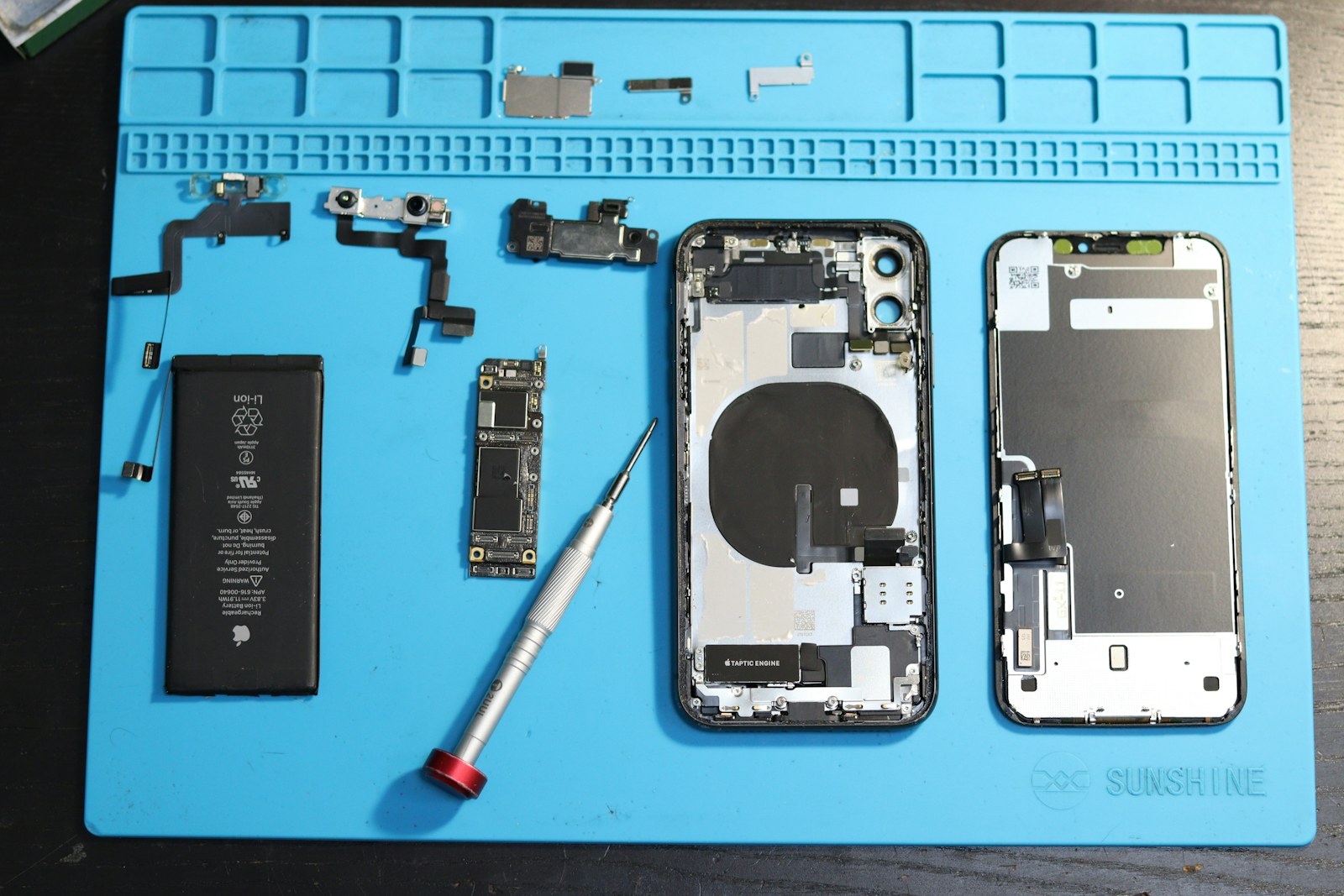
This matters because a used iPhone can look clean on the outside while hiding a repair history that affects value. A replaced screen, battery, or camera is not automatically a deal breaker, but it should be disclosed and reflected in the price.
Before buying, check:
- Settings > General > About
- Parts and Service History, if available
- Battery Health & Charging
- Carrier Lock status
- Face ID
- cameras in bright and low light
- speakers and microphone
- charging port
- buttons
- screen brightness and touch response
Our phone repair guide for Kingston is useful if you are deciding whether a repair is worth doing or whether to keep shopping.
Do not ignore carrier lock and Activation Lock
A used iPhone with strong battery health can still be a bad purchase if it is locked. In Settings > General > About, look for Carrier Lock. If it says No SIM restrictions, the phone should be unlocked for compatible carriers.
Activation Lock is even more serious. If the phone shows "iPhone Locked to Owner," do not buy it unless the seller can remove the lock properly. A cheap locked iPhone is usually not a bargain. It is a problem you are inheriting.
This is one reason buying through a local store can feel safer than meeting a random seller. You get a place to ask questions, inspect the phone, and deal with a person or business that has a reputation to protect. See our guide on buying phones in Jamaica from a store vs marketplace sellers.
The 10-minute used iPhone inspection
If you are checking a used iPhone in person, take your time. A serious seller should not rush you through the basics.
Use this quick process:
- Check the model and storage in Settings.
- Open Battery Health & Charging.
- Confirm Maximum Capacity and Cycle Count.
- Check Settings > General > About for carrier lock and repair history.
- Test Face ID.
- Open the camera and test photo, video, zoom, and front camera.
- Play audio through the speakers.
- Record a short voice memo and play it back.
- Plug in a charger and confirm it charges normally.
- Inspect the frame, screen, back glass, camera lenses, and buttons.
For Kingston shoppers, our best way to buy an iPhone in Kingston guide gives a wider local buying process you can use before traveling.
Accessories that protect battery and resale value
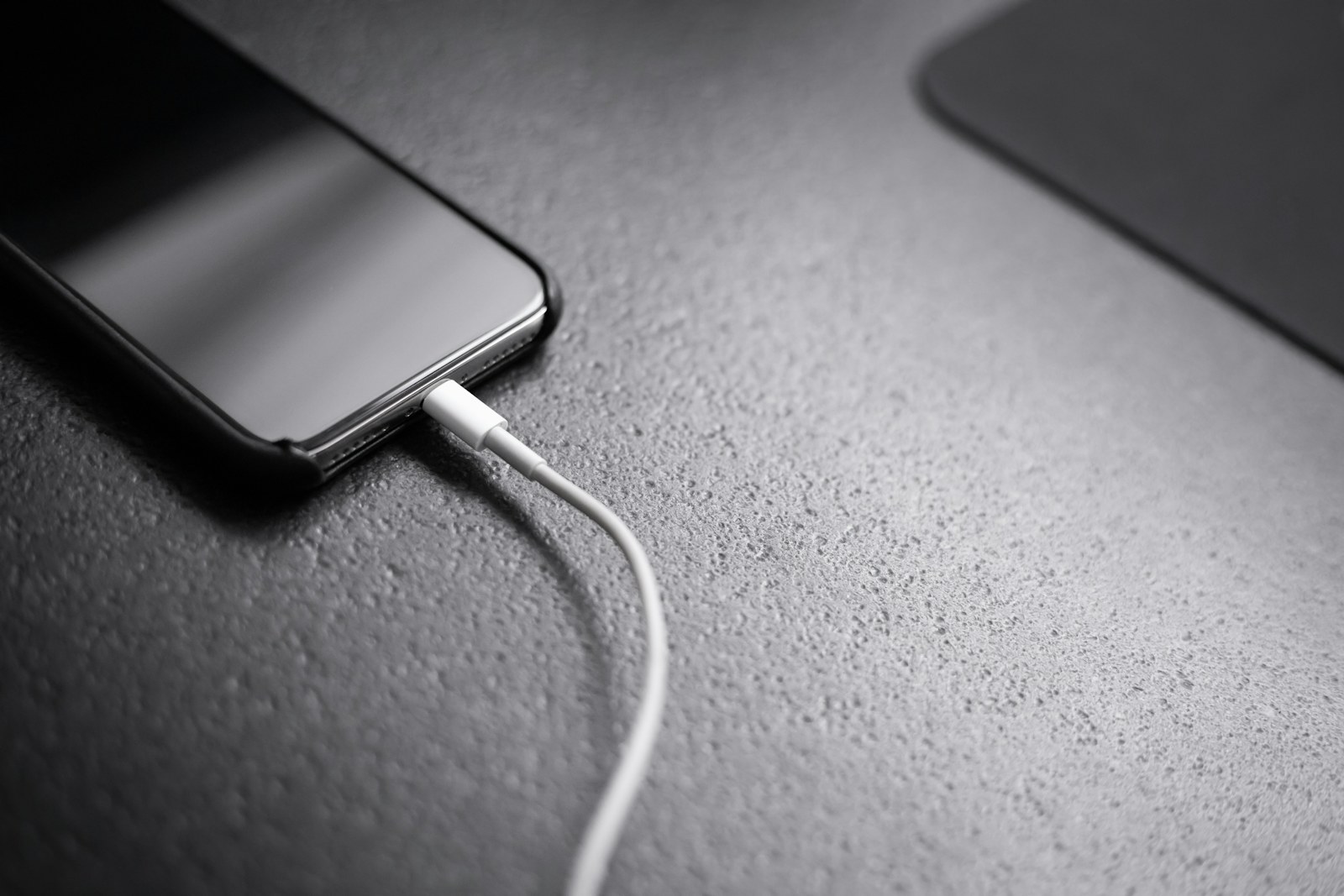
After buying a used iPhone, the right accessories can protect your money. Do not pair a clean iPhone with the cheapest charger you can find. Heat, loose cables, and weak protection can shorten the life of a phone that was otherwise a good buy.
Useful Amazon searches:
- Apple MFi or USB-C fast charger
- Durable iPhone charging cable
- iPhone tempered glass screen protector
- Protective iPhone case
- Portable power bank for iPhone
For local pickup, check our chargers and cables in Jamaica and phone accessories in Jamaica pages.
Disclosure: As an Amazon Associate I earn from qualifying purchases. Some links may be affiliate links that support this site at no extra cost to you.
Bottom line
A good used iPhone in Jamaica should come with proof, not pressure. Battery health, cycle count, carrier lock, repair history, and basic hardware tests all matter before you pay.
If the seller can show clear details and the price matches the condition, a used iPhone can be a strong value. If the answers feel vague, keep looking.
FAQ
What battery health is good for a used iPhone in Jamaica?
For most buyers, 90% or higher is a good target. A lower battery health number can still be acceptable if the price is fair and the phone passes the rest of the inspection.
Is 100% battery health always better?
Usually, yes, but still check cycle count, repair history, Face ID, cameras, carrier lock, and physical condition. One strong number does not replace a full inspection.
Should I buy a used iPhone with no cycle count shown?
It depends on the model and iOS version. If cycle count is not available, focus on Maximum Capacity, battery messages, repair history, and real-world testing.
Can a bad charger hurt iPhone battery health?
Poor charging accessories can create heat, unstable charging, and daily frustration. Use a reliable charger and cable that match your iPhone.
Where can I compare used iPhones in Kingston?
You can contact The Source Arena JA in Half Way Tree to ask about current iPhone stock, battery details, pricing, and accessories.
Sources and image credits
- Apple Support: If you want to buy a preowned iPhone
- Apple Support: Charge and maintain your iPhone battery
- Apple iPhone User Guide: Understand battery usage and health
- Hero image from Andreas Haslinger on Unsplash
- Repair image from Fotografia Lui Vlad on Unsplash
Disclosure: As an Amazon Associate I earn from qualifying purchases. Links may be affiliate links that support this site at no extra cost to you.